
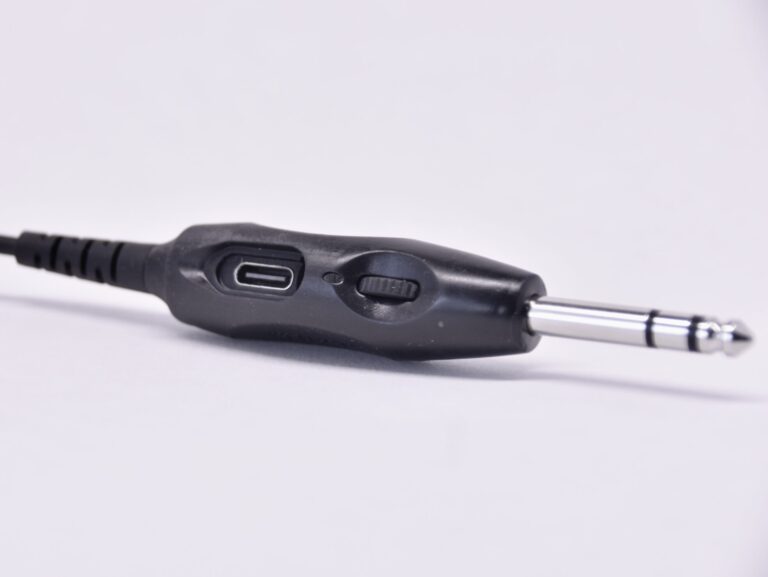
Volume control on the Avee510 GA adapter
The Avee510 GA aircraft adapter now comes with a built in volume control and a microphone gain adjustment feature.
Read more →News, stories and insights from the world of Avee.

Updating the Avee BlueLink firmware
To be able to download new firmware to the Avee BlueLink via USB – you will need the Avee Download Tool (ADT for short).
The Avee Download Tool is currently available for Windows only (up to version 10) and can be downloaded from here: Avee Download Tool Version 1.0 – May 29th 2023.
For those of you that are on Macs: Yes – we are working on it!
The USB driver
Internally the BlueLink is using the CP2102N USB interface chip from Silicon Labs, so please go to this page to download the driver if this is not already installed on your computer: https://www.silabs.com/developers/usb-to-uart-bridge-vcp-drivers?tab=downloads. Download the 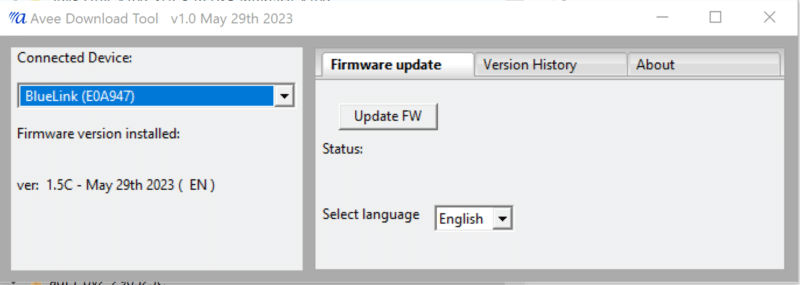
.
The Avee510 GA aircraft adapter now comes with a built in volume control and a microphone gain adjustment feature.
Read more →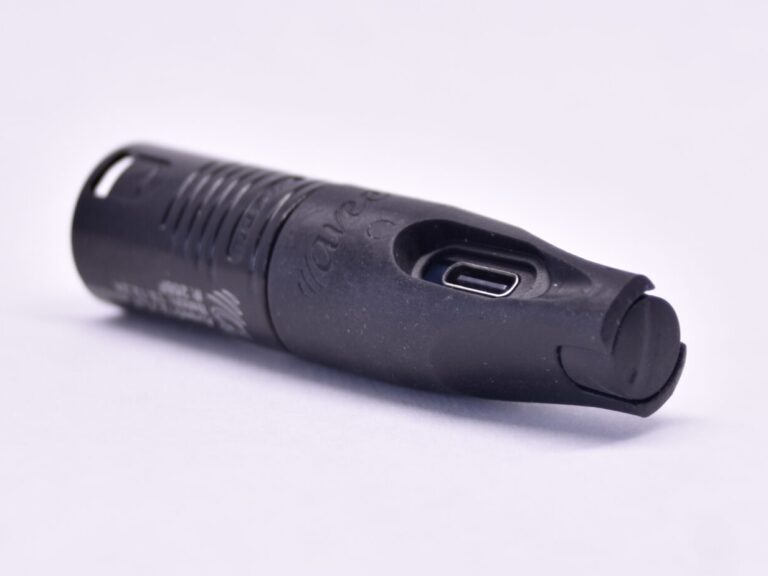
The XLR-5 aircraft adapter now comes with a built in volume control - and microphone gain adjustment.
Read more →
We are selling more and more- and that means we need a more efficient support system. Our new ticket based support system…
Read more →
We are happy to inform you that the beautiful French language is now available as spoken messages on the BlueLink. Download the…
Read more →
We have introduced new affiliate program for Youtubers & Facebookers! Take a look here!
Read more →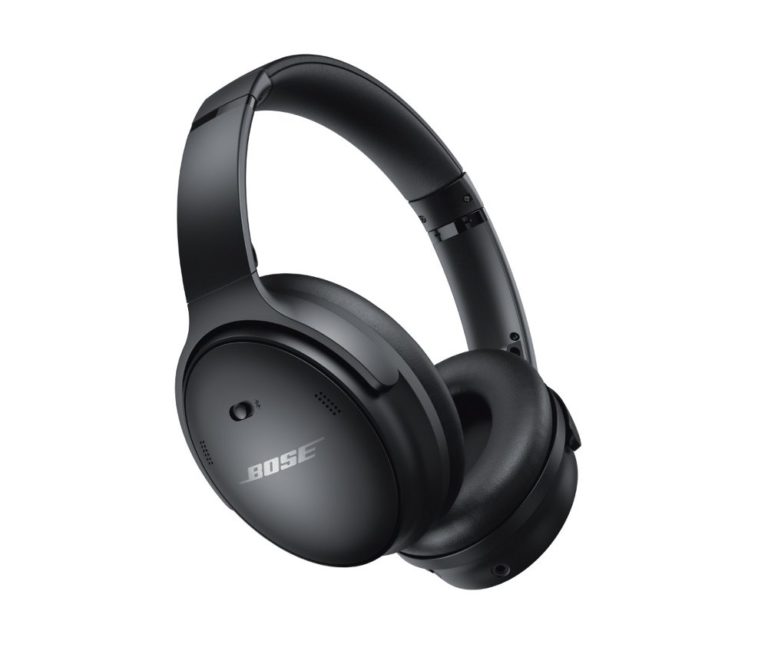
We are happy to inform you that the Avee45 fitting the Bose® QC45 also fits the 'new' Bose® Quietcomfort® SE. Available on…
Read more →For a long period of time, we have had the idea to do a test of the state-of-the-art ANR (acoustic noise cancellation)…
Read more →
What do you do if the Avee does not work like expected ? Most headsets have their secrets - and here we…
Read more →