

Upgrade kits available
Upgrade your old Avee to the NG-series for an affordable amount of gold ! Go to the shop to see more!
Read more →News, stories and insights from the world of Avee.

Here are some tips for those of you using the Sony WH1000XM4 – brought to us by a customer using it in a Boing 737 Max-8. You find the full review in the Reviews dated November 7th 2021.
Thank you Stephane!
We bring you a sligtly modified & images added copy of these tips here. We find the settings in the Sony app somewhat akward – so we bring you screenshots here to make them easyer to find.
So: If you are using a Sony® XM4 headset, install the Sony® Headset Connect app on your phone and do the following:
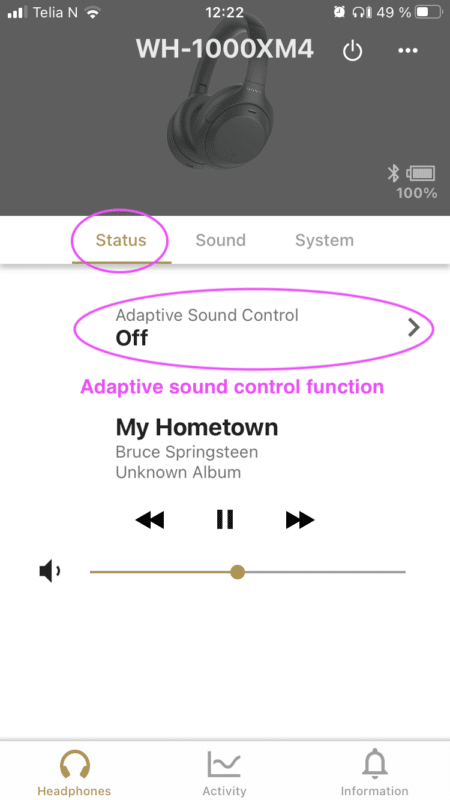
1. Adaptive sound control
This setting will automatially switch headphone settings such as how to mix in the ambient sound.
Set the switch to OFF
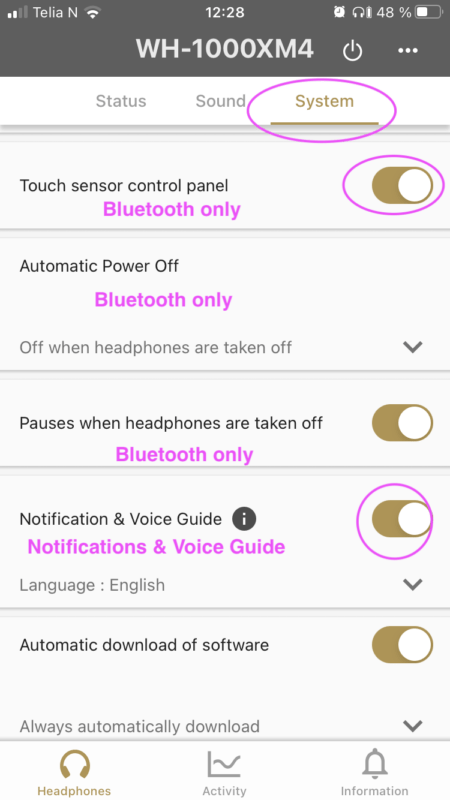
2. Automatic Power Off
This feature is working in Bluetooth mode only.
It turnes the headphones off when they not been used ‘for some time’.
Set to ‘Off when headphones are taken off’.
3. Notification & Voice guide
Gives you some notifications messages on the status on the XM4.
Switch to ON
4. Touch sensor control panel
This function works when the XM4 is connected to your phone via Bluetooth only.
When the Avee is connected, the Bluetooth in the XM4 is switched off, and the touch sensor control panel is not operational.
Switch to ON or OFF
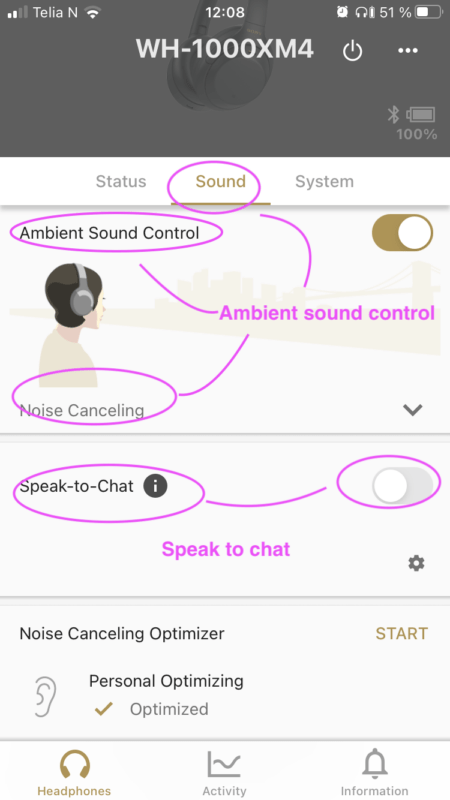
5. Ambient sound control
The Ambient sound control – controls how you hear ambient sound.
Set the Ambient Sound Control to on – and the Noise Cancelling slider to Noise Cancelling. If you set this slider to Abient Sound 1-20, you will get the ambient audio from the cockpit in the headset.
Set to On – and slider to Noise Cancelling
6. Speak to chat
This function disables the ANR when you start to talk, and it disconnects the audio from the Avee into the XM4.
It is crucial that this feature is turned off.
Turn OFF !!!
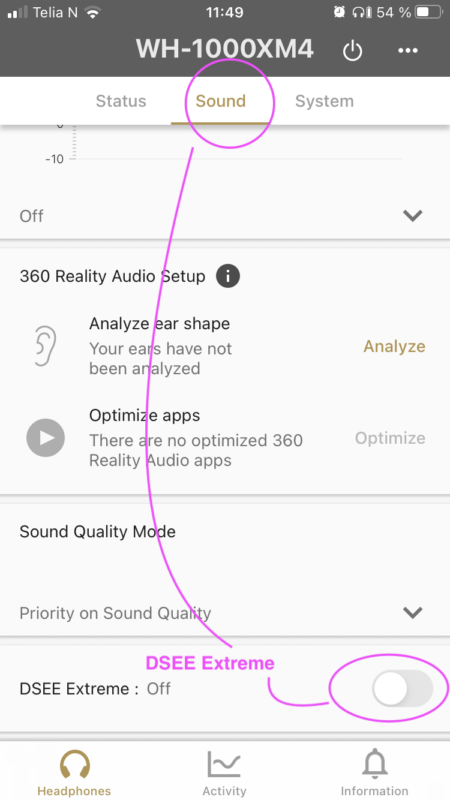
7. DSEE Extreme function
DSEE Extreme uses AI technology to reproduce with high accuracy the frequency responses of the original sound source lost during compression.
We believe this funtion is active in Bluetooth mode only.
Turn OFF
Upgrade your old Avee to the NG-series for an affordable amount of gold ! Go to the shop to see more!
Read more →
Free Helthjem shipping on all orders more than NOK 2500 to customers in Norway – delivered on your doorstep. Fast,free and easy!
Read more →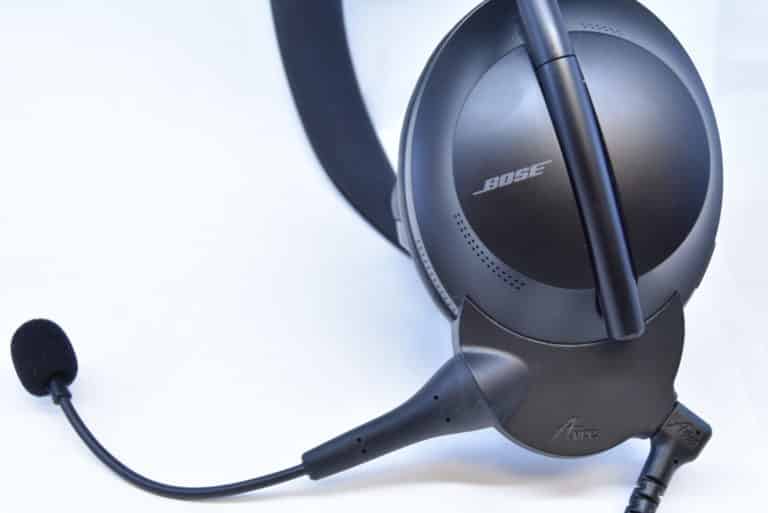
The new Avee700 NG vs the Avee700 During the four years since Avee started shipping aviation microphones, we have constantly been improving…
Read more →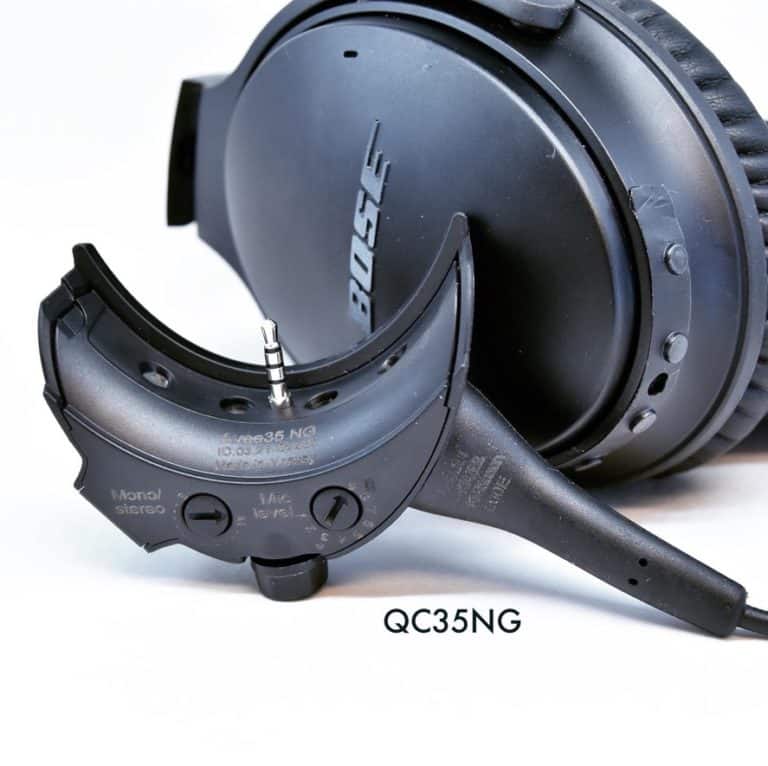
The new Avee35 NG vs the Avee335 During the four years since Avee started shipping aviation microphones, we have constantly been improving…
Read more →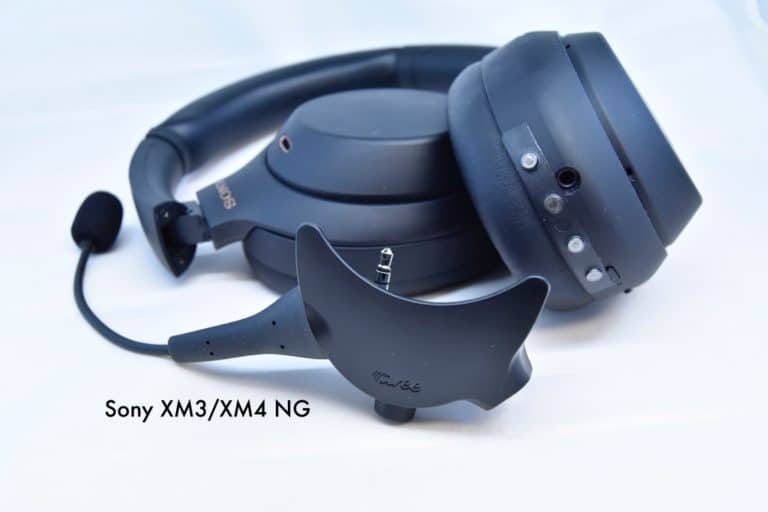
The new AveeXM3/XM4 NG for the Sony® XM3/XM4 We have now released the NG versions of the Avee aviation microphones for the …
Read more →Happy New year to all of you ! This year has been the busiest year in Avees short history !We are really…
Read more →
We implemented a very important change on the avee add-on: it now also supports full operation without a bias voltage (help voltage…
Read more →
We are happy to announce that we have started shipping the Avee add-on with an exchangeable microphone boom: the Avee145 Exchangeable Noise…
Read more →Hello Avee Customers! Before installing your avee add-on, please take a look at the Avee setup instruction video ! Thanks, The Avee…
Read more →